How to publish properties to Avito, CIAN and Yandex Realty from a single card
Real Estate4 min read
How a real estate agency can list properties on Avito, CIAN and Yandex Realty from its CRM and receive buyer messages in one inbox. A walkthrough using Mestra.

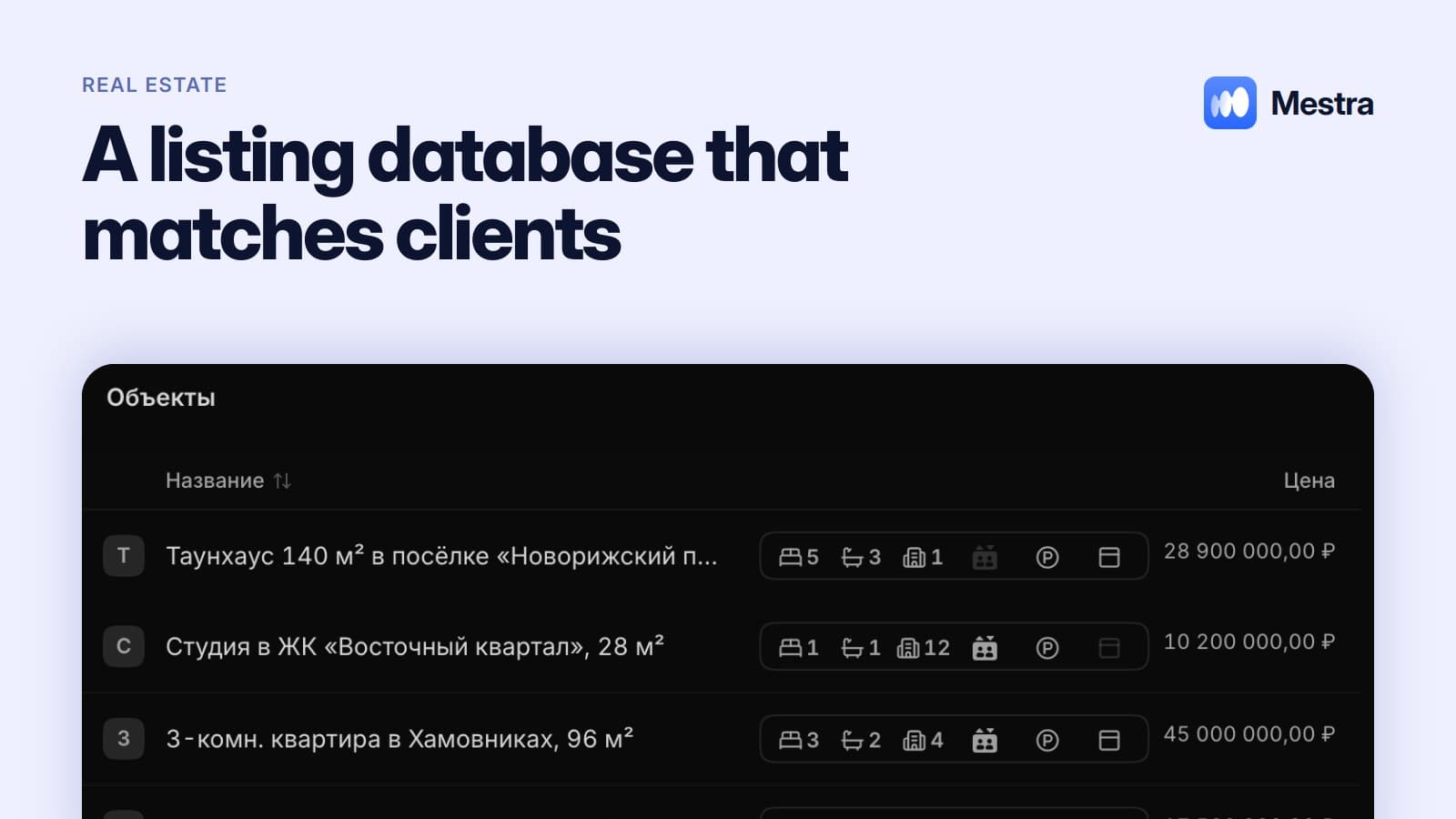
To stop managing properties in three separate dashboards, publish them from one database. In Mestra an agent fills in the property card once and lists it on the portals from the publications tab. Buyer replies arrive in the CRM and are immediately linked to the client.
The one-minute math
- An agent manages 20 properties. Updating a price or photos manually on three portals takes about 10 minutes per property.
- One update of the whole base takes over three hours.
- If prices change at least weekly, that's 12–13 hours a month per agent.
- In Mestra a property is edited in one card. The freed time goes to viewings.
What holds agencies back
Three dashboards, three versions of the truth. One price on Avito, another on CIAN, a third in the agency's spreadsheet. A client calls about an old listing and is disappointed.
Messages scattered everywhere. Avito questions in one app, CIAN in another, messengers in a third. Replies are delayed, the buyer leaves.
No link between property and client. The agent remembers who was interested in a flat only as long as they remember.
Manual matching. To find properties for a request, the agent scrolls the base with filters — about 10 minutes per request.
How it works in Mestra

- Property card. Type, status, price and price per m², area, rooms, floor, renovation, district and metro, photos, documents. Tabs for description, features, advertising and publications.
- Publication. From the card the property is listed on Avito, CIAN and Yandex Realty. DomClick is also available on the Standard plan.
- One inbox. Buyer messages from portals arrive in «Chats» next to MAX, Telegram, VK, WhatsApp* and Instagram*.
- Client card. Buyer, seller, tenant, landlord or investor — with search criteria, budget and matched properties.
- AI matching. AI compares the client's request with the base and suggests suitable properties. You can compare them in a separate window.
- Viewings in the calendar. A «Viewing» event with client, property and reminder.
The agency pipeline in Mestra
When you choose the Real Estate industry, the CRM gets stages for a property deal right away: new lead → qualified → viewing → offer → negotiation → contract → mortgage or payment → handover → post-sale. Stages can be adapted to your process.
More on managing the base in «Real estate property database», and on the deal step by step in «Stages of an apartment deal».
What changes for the agency
| Before | After |
|---|---|
| A property is managed in several dashboards | One card, published from it |
| Portal messages in different apps | Everything in «Chats» |
| Manual matching | AI suggests properties for the request |
| Viewings in a notebook | Calendar with client, property and reminder |
| Commission calculated in Excel | Commissions and revenue in «Finance» |
Exporting listings to Avito and CIAN: what matters
Exporting listings to Avito and CIAN keeps properties on every portal in sync with the agency's base. When properties are edited by hand in three places, mistakes are inevitable.
A good CRM for a real estate agency makes the property base the single source. Properties go out to portals from the card, and buyer messages come back linked to that property.
So agents spend time on viewings and deals, not on copying data.
FAQ
Can I publish properties to Avito and CIAN from a CRM?
Yes. In Mestra a property is published to Avito, CIAN and Yandex Realty straight from its card.
Where do buyer messages from portals go?
To Mestra's shared «Chats» section, next to messenger chats.
Which plan includes publishing?
From the Standard plan — 1,090 ₽ per user per month. No separate integration fee.
Does the CRM match properties to clients?
Yes. Mestra's AI compares the client's request with the property base and suggests options.
How do I move my property base from another system?
Upload an Excel or CSV export via Settings → Data. If you can't export, the Mestra team will help with the migration.
Summary
A real estate agency doesn't need three dashboards and five apps. In Mestra (Местра) a property lives in one card, is published to portals from it, and buyers write to one inbox. Try it free for 15 days.
* Meta Platforms Inc. (owner of WhatsApp and Instagram) is recognized as an extremist organization; its activities are banned in Russia.