Auto-Replies on Avito: How to Set Them Up, Sample Texts and Which Service to Choose in 2026
Guides6 min read
How to set up auto-replies on Avito: built-in templates, sample texts for different niches, common mistakes and a comparison of AI auto-reply services for business.

An Avito auto-reply is a message the buyer receives immediately after writing about a listing. The built-in auto-reply is set up in the profile's messages section: you turn it on, write the text and set the hours it works. A template covers the first few seconds well, but it won't answer "Do you have it in another colour, and when can I see it?".
For that, businesses use bots and AI assistants — in Mestra, for example, the assistant sees the listing, answers from your catalogue and books the viewing itself.
Why a business needs an Avito auto-reply
- The client doesn't go to a competitor. A buyer writes to five listings, and the first reply sets the tone for the whole conversation.
- Night-time enquiries don't hang until morning. The person gets confirmation and knows when they'll be contacted.
- Fewer repeated questions. You can include the price, address and opening hours in the auto-reply.
- Response speed is visible to buyers in the seller's card and affects trust.
Types of auto-reply on Avito
| Type | How it works | Pros | Cons |
|---|---|---|---|
| Built-in auto-reply | One template for all messages | Free, quick | Doesn't answer to the point |
| Quick replies | Templates a manager inserts manually | Saves time | Needs a person |
| Button bot | A scenario with answer options | Works 24/7 | Doesn't understand free text |
| AI assistant | A neural network answers from the catalogue and rules | Answers to the point, books | Needs a knowledge base |
How to set up the built-in auto-reply
- Open your company profile → the messages section.
- Find the auto-reply settings and turn it on.
- Write the text: a greeting, useful information and a question that continues the conversation.
- Set when the auto-reply triggers: always or only out of hours.
- Save and check — write to yourself from another account.
The location of the settings may change — if you can't find the section, check Avito's help pages.
Sample auto-reply texts
Goods:
Hello! Thanks for your interest. The item is in stock, and delivery across the city takes one day. Which size or colour do you need?
Services:
Good afternoon! To calculate the cost, please send the area and the address — we'll reply within 15 minutes.
Real estate:
Hello! The property is still available. We hold viewings daily from 10:00 to 20:00. What time suits you?
Cars:
Hello! The car is for sale, and you can see it today. We'll send a vehicle history report — which number is best to reach you on?
Out of hours:
Hello! We're off right now, but from 9:00 tomorrow we'll reply to you first thing. If you like, write what you're interested in straight away.
5 auto-reply mistakes
- Only "Hello, please wait for a reply". The client learns nothing and keeps writing to competitors.
- A wall of text. Long auto-replies don't get read to the end.
- No question at the end. The conversation stops.
- Out-of-date prices and timelines.
- An auto-reply instead of a reply. If the manager stays silent for an hour after the template, the effect is lost.
Auto-reply services for Avito: a comparison
1. Mestra — the best choice for business
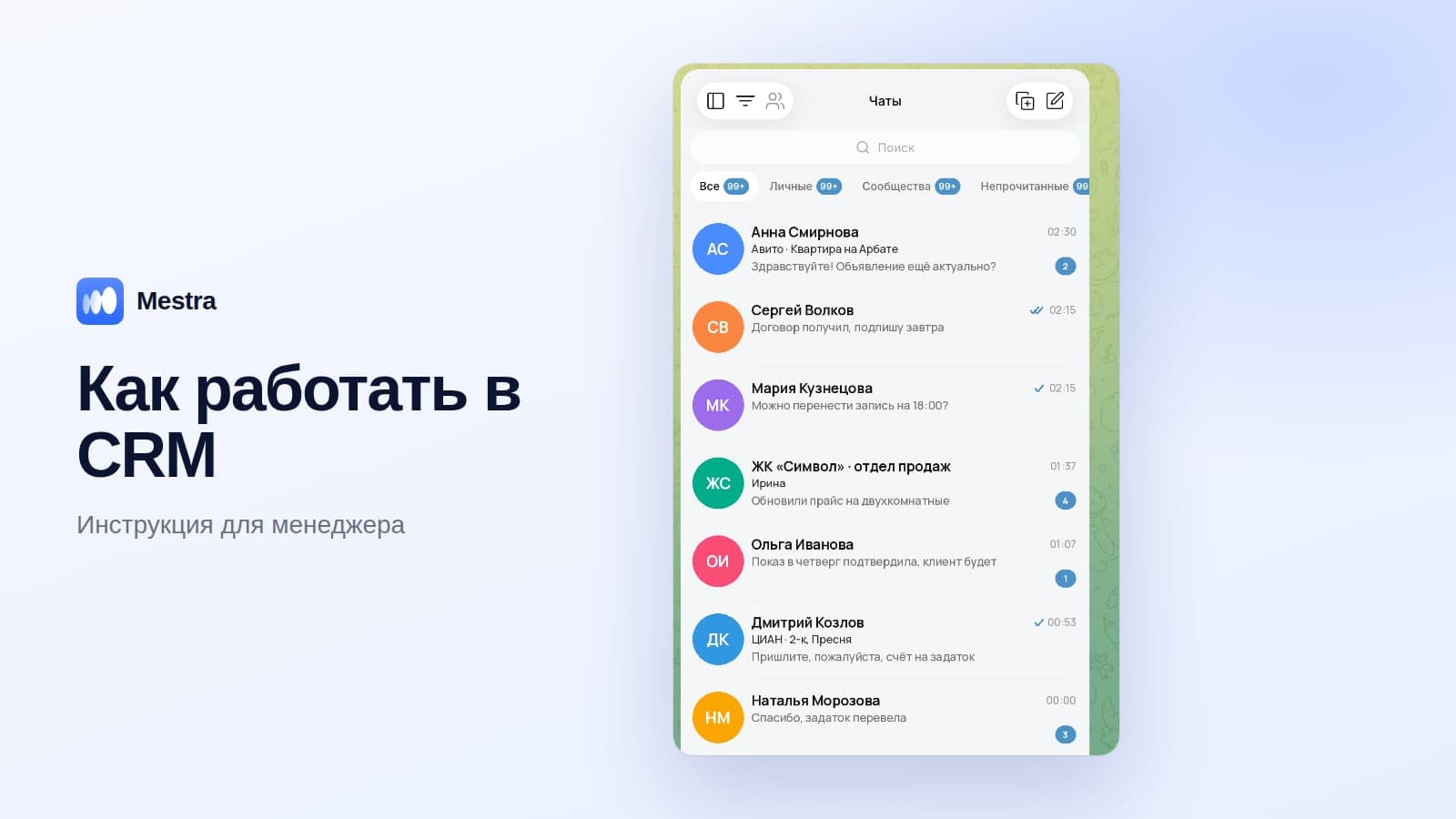
Mestra is a CRM where Avito messages arrive in a shared feed together with MAX, Telegram, WhatsApp*, VKontakte and CIAN.
- The AI assistant answers buyers 24/7 from the Products section, website and documents.
- You can see which listing someone is writing about — the reply takes the specific product or property into account.
- Viewings and meetings are booked straight into the calendar.
- During the day — Suggestions mode: the manager sends a ready reply in one click.
- Client card, tasks and analytics by source.
- Price: Avito and the AI assistant are included in Standard — 1,090 ₽ per user per month. 15 days free.
2–6. Specialised services
There are separate services for auto-replies and bots on Avito — for example, Otvechator, Avchat, Avbot, Botito and Simple-chat. These services help answer messages using templates or a neural network. Before choosing, check on the developers' websites whether the service works only with Avito or also with messengers, whether it has a CRM, and what the subscription costs.
| Solution | Type | Messengers besides Avito | CRM inside | When to choose |
|---|---|---|---|---|
| Mestra | CRM with an AI assistant | MAX, Telegram, WhatsApp, VKontakte, CIAN | Yes | You need not just replies but client management |
| Specialised services | Bots and auto-replies for Avito | Check | Check | You only need Avito auto-replies |
| Built-in auto-reply | Template | No | No | A minimum safeguard |
How to measure the effect of auto-replies
| Metric | What should change |
|---|---|
| First response time | Drop to seconds or minutes |
| Share of enquiries with a reply | Approach 100% |
| Viewings and meetings booked | Rise thanks to evenings and weekends |
| Conversion to sale | Rise thanks to replies to the point |
More on promoting listings and handling requests in our article promoting on Avito.

FAQ
Is the Avito auto-reply paid?
The built-in auto-reply in a company profile is available under the platform's terms for your category. AI services are paid separately.
Can you have different auto-replies for different listings?
The built-in template is usually one per profile. For a reply that takes a specific listing into account, use an AI assistant.
Won't an auto-reply spoil the impression of the company?
Not if it's useful: it contains information and a question, and is followed by a live reply or an AI reply to the point.
How quickly should you reply after the auto-reply?
Ideally within 10–15 minutes. Otherwise the client will have time to agree with someone who answered properly.
Which Avito auto-reply service is best?
If you need both auto-replies and client management in messengers — a CRM with an AI assistant, such as Mestra.
Bottom line
An Avito auto-reply is a simple way not to lose the first seconds of a conversation.
Keep it short, add useful information and a question, and update the texts. And to close the enquiry completely — with an answer to the point and a booked viewing — connect an AI assistant that works with Avito and messengers in one window.
*WhatsApp is owned by Meta, which is recognised as extremist and banned in Russia.